I’ve been asked to help another team with some camera calibration stuff, and as a prep I decided to work through the instructions given at the firstinspires programming resources page on the subject.
And what I found is that, at present, they don’t seem to work.
Specifically:
Downloaded the current 3DF Zephyr Free edition (v8.029)
Built a version of the UtilityCameraFrameCapture on my Control Hub
Changed the parameters at the top (trying to calibrate a Logitech C270, at its 320x240 resolution rather than the already-calibrated default 640x480, just so the results would constitute a useful addition to the calibrations on file)
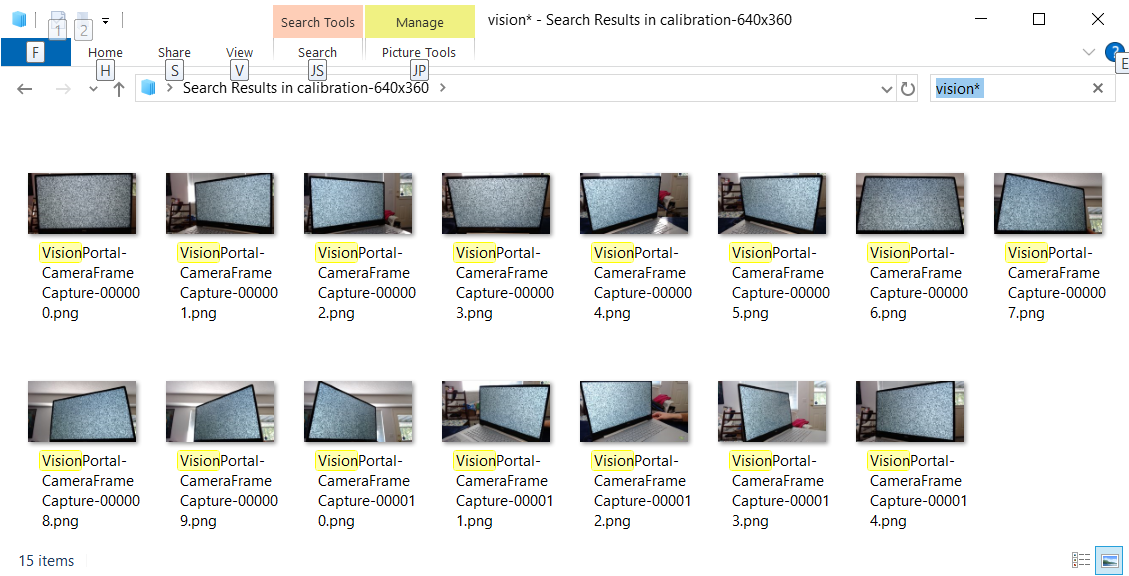
Took about 20 shots of the calibration pattern, copied them to my computer, deleted the ones where the calibration pattern wasn’t fully onscreen, ending up with fourteen from various angles.
Dragged the files into the calibration wizard in 3DF Zephyr, and hit ‘Next.’
This is where the procedure failed to follow expectations.
Zephyr throws up an error: “Exif data mismatch. Continue anyway? [y/n]”
Googling this error phrase got me several instances of folks at Zephyr saying “well, just get rid of the exif data by saving them as PNGs, and try again.” However, these images are saved directly from the webcam, using the Camera Frame Capture opmode, as PNGs. AFAIK there shouldn’t be any exif data to have a mismatch in.
If I opt to continue anyway, Start Calibration thinks for a few seconds and then declares “Calibration failed.”
Has anyone hit anything akin to this while trying the procedure? Could someone who has used this procedure check which version of 3DF Zephyr they have installed, and try it with the current FTC SDK & FrameCapture opmode, see if it works for them?
I suspect it won’t be needed for this other team I’m helping, but it does feel like if we’re going to post calibration instructions, then they ought to actually, y’know, work.
I just tested the calibration procedure using 3DF Zephyr Free edition (v8.029), SDK 11.0, and the UtilityCameraFrameCapture on a Nexus 5 phone at 1280x720. I also got the warning about exif data, but dismissing it allowed the calibration to continue on and complete successfully.
I suspect that one of 2 things is going on here:
Your shots have glare or otherwise have some characteristic that makes them unreadable by the pattern matching
The resolution you chose (320x240) is just so low that the pattern matching isn’t able to extract all the keypoints
I agree with this reply. I do think you need sufficient resolution for the calibration target to be read properly. I needed to calibrate a C920 and I tried to get the 320x240 resolution to work and got the calibration failed message. I did the same set of photos but at 640x360 resolution and they worked. I got the Exif data mismatch note, but was able to complete the calibration. The computed values results in very good reported values for AprilTag range (tested at 48 and 120 inches).
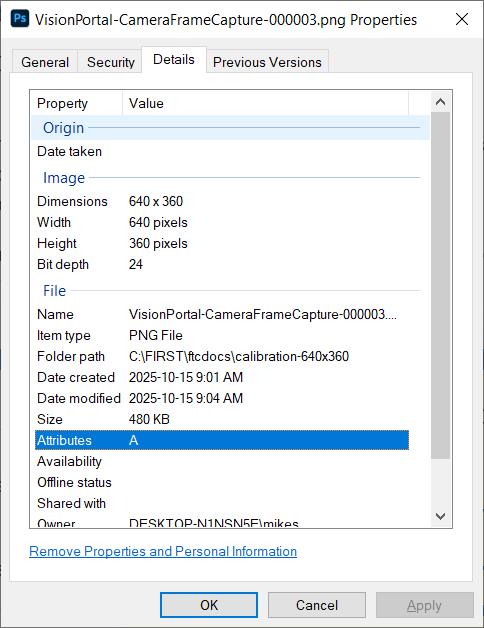
I suspect the Exif data message is because the Exif data has no Focal Length, which can be seen in the calibration results as “NA”. There is Exif info present, in Windows file properties / Details you can see Dimensions and Bit Depth, but not much else.
Finally, I think you need a fair number of good shots. I used 15 and had the target centered, lower than the webcam, then higher. At each height I rotated both ways, doing a partial rotate and a more extreme rotate. I tried to keep the laptop screen vertical, but the webcam was tilted up or down as needed. I was also careful about glare on the screen, or behind the target.
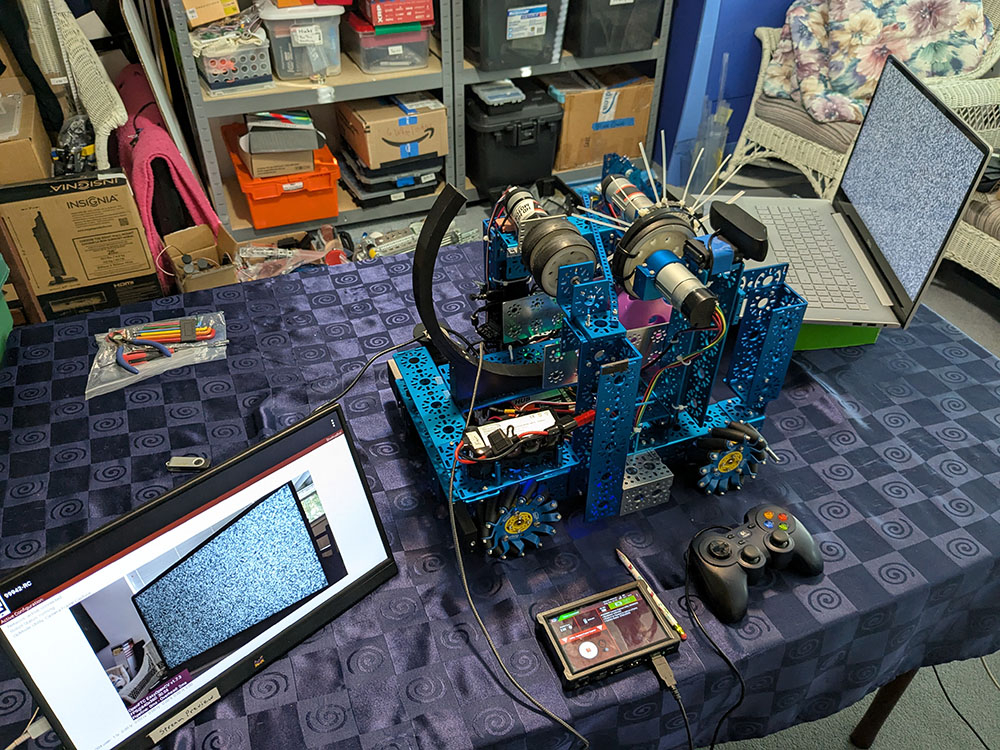
FYI - if you have a HDMI capable monitor you can connect it to the HDMI port on the control hub so you can “see” what the webcam is seeing as you capture images. Makes that so much easier to do captures.