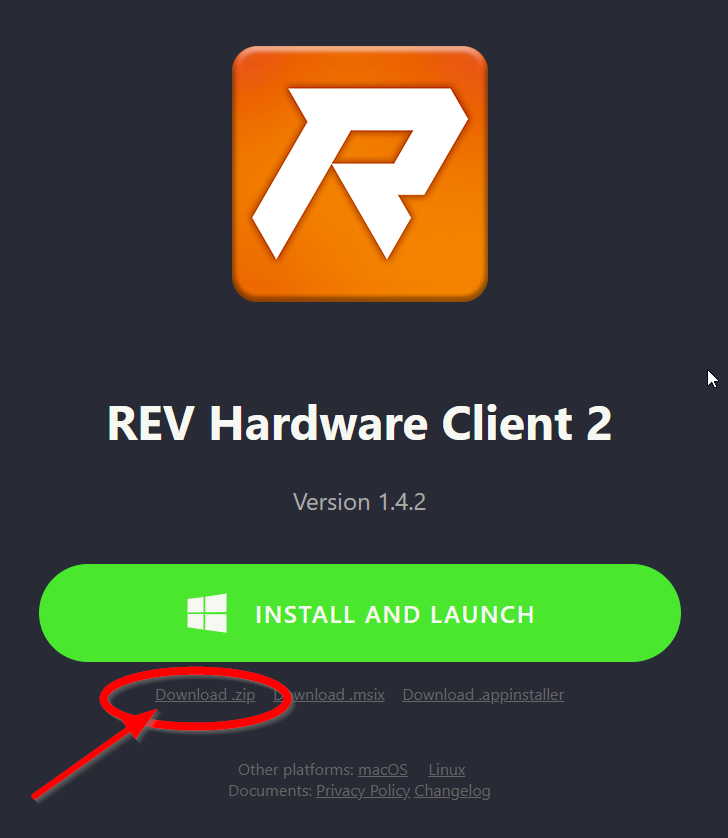
Is anyone having difficulty downloading the REV Hardware Client 2? I have upgraded to Windows 11, but I only get this when I try to install the app
What can you do now?
-
Update Windows: Open Windows Update in Settings and install all available updates
-
Check disk space: Ensure you have at least 1GB of free space on your system drive
-
Check your internet connection: Make sure you have a stable connection to download the app
-
Try again: Many installation errors are temporary - retry the installation
Need additional help?
If the problem persists, please contact the application developer or your IT support team. Copy and paste all the technical details below to help them diagnose the issue.
Copy all information below when reporting this issue:
Error: ShellExecute failed with error: [2]: The system cannot find the file specified. : full path is “C:\Program Files\WindowsApps\RevHardwareClient_1.4.2.0_x64__67pj6kdmb6vg6\bin/REV Hardware Client 2.exe”
Application: com.revrobotics.revui.rev-hardware-client
Install ID: 779B1AC7-7E73-48F4-9B17-A9D1B6C3310
Timestamp: 1970-01-21 17:13:21 UTC
 Copy to Clipboard